A fast, native macOS client for Azure SQL, SQL Server, PostgreSQL, and SQLite — with a built-in AI assistant, an embedded MCP server, and a retro terminal look you'll actually enjoy.
brew install --cask senzalldev/tap/pouncesql
Ships with a built-in demo database — open it and start querying, no server or login required.
Browse subscriptions, servers, and databases with your az login session — no passwords stored.
2017 – 2025+, local or domain-joined. SQL login, Windows/NTLM, or passwordless Kerberos SSO.
Connect over LAN, VPN, or Tailscale. Pin a whole server and browse every database it hosts.
Open any .db file — no server, no login. Just pick the file and start querying.
Pin a server and expand it like a tree — every database, every schema, every table and column. Filter across databases instantly. Right-click a table to preview, count, or generate a query.

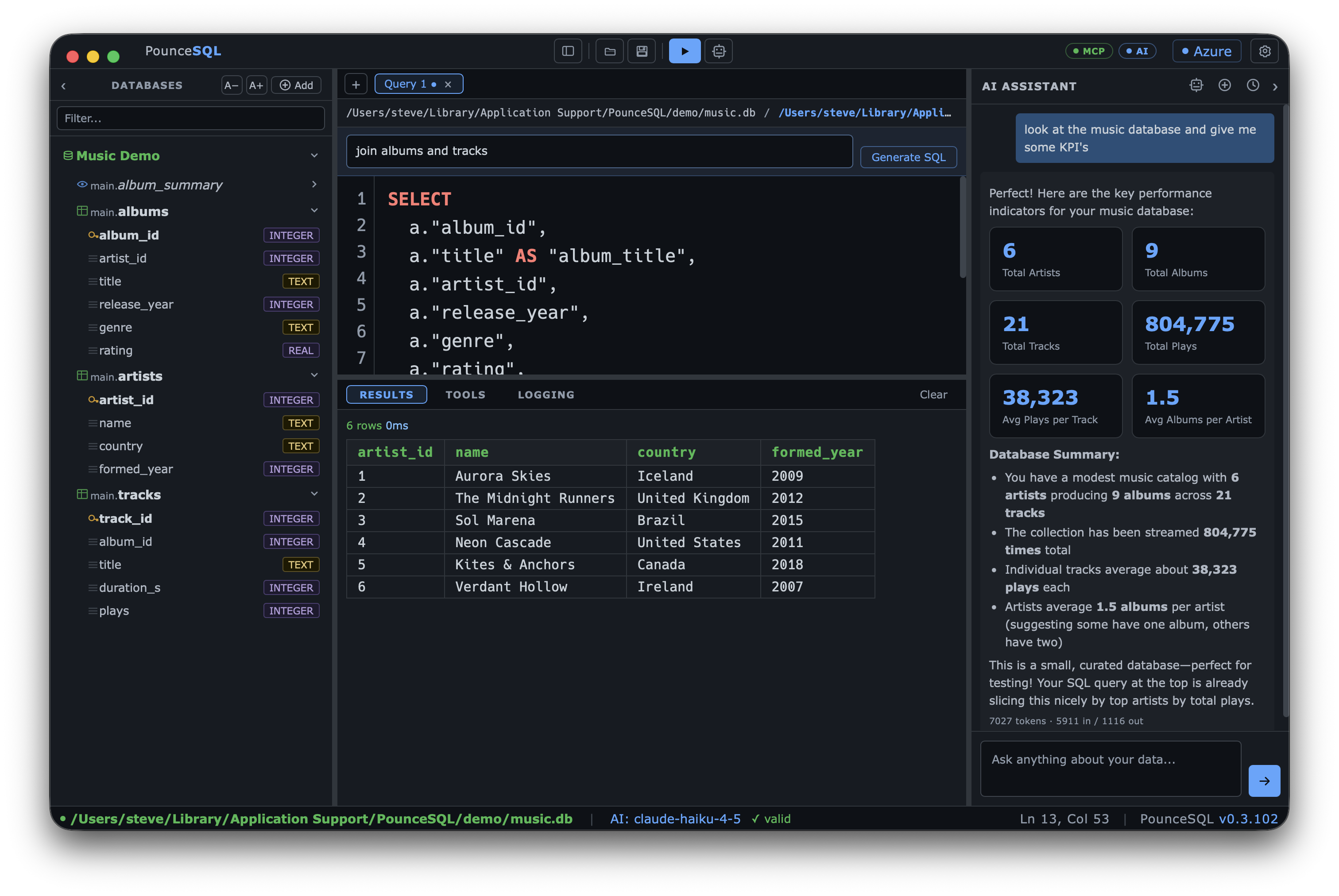
Syntax highlighting, table- and column-aware autocomplete, and a live syntax checker — all tuned to the engine you're connected to, whether that's T-SQL, Postgres, or SQLite. Highlight any fragment and run just the selection. Turn each assist on or off to taste.

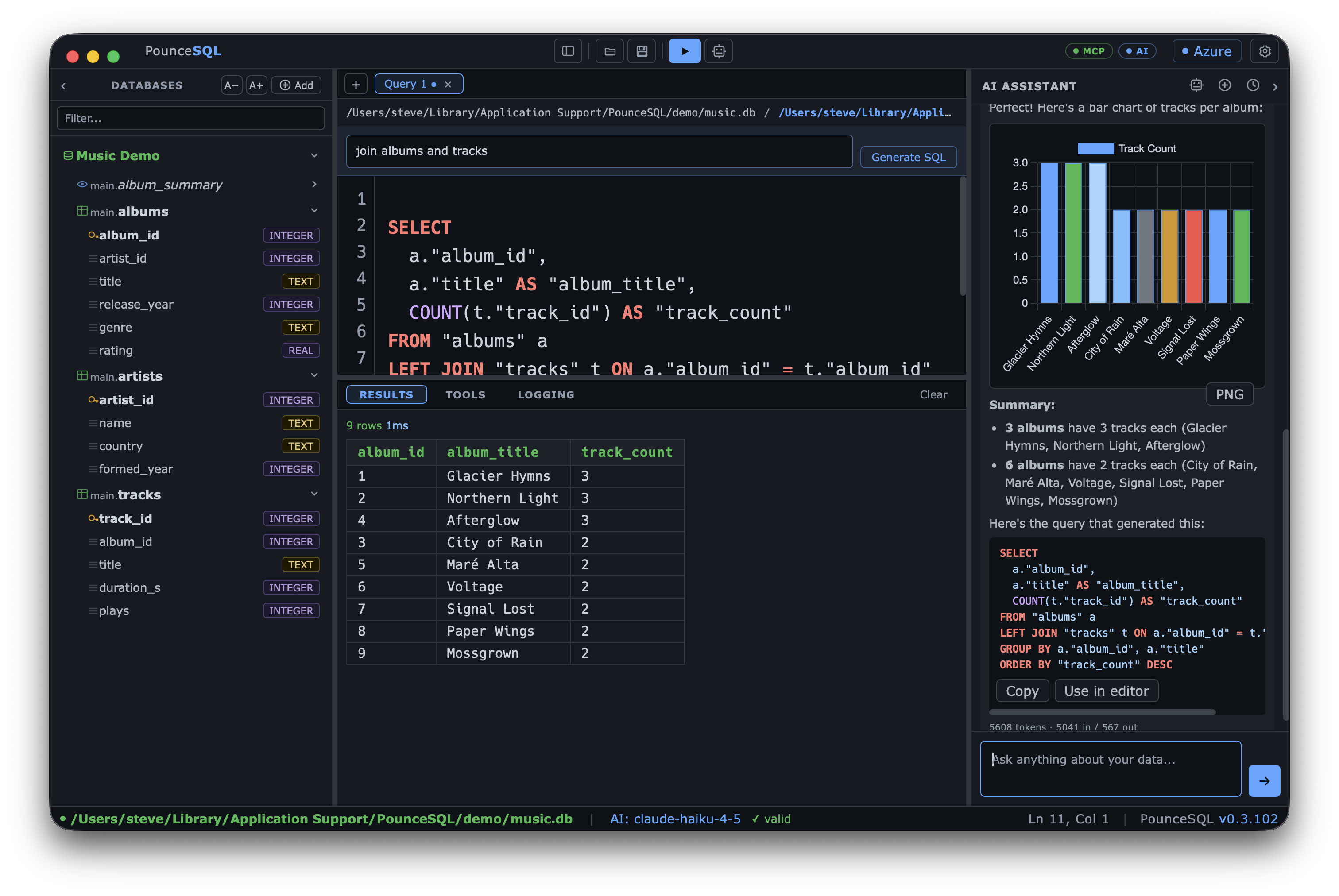
The built-in AI assistant writes and explains T-SQL and Postgres for you, grounded in the schema you're connected to. Bring your own API key or route through an enterprise AI gateway.

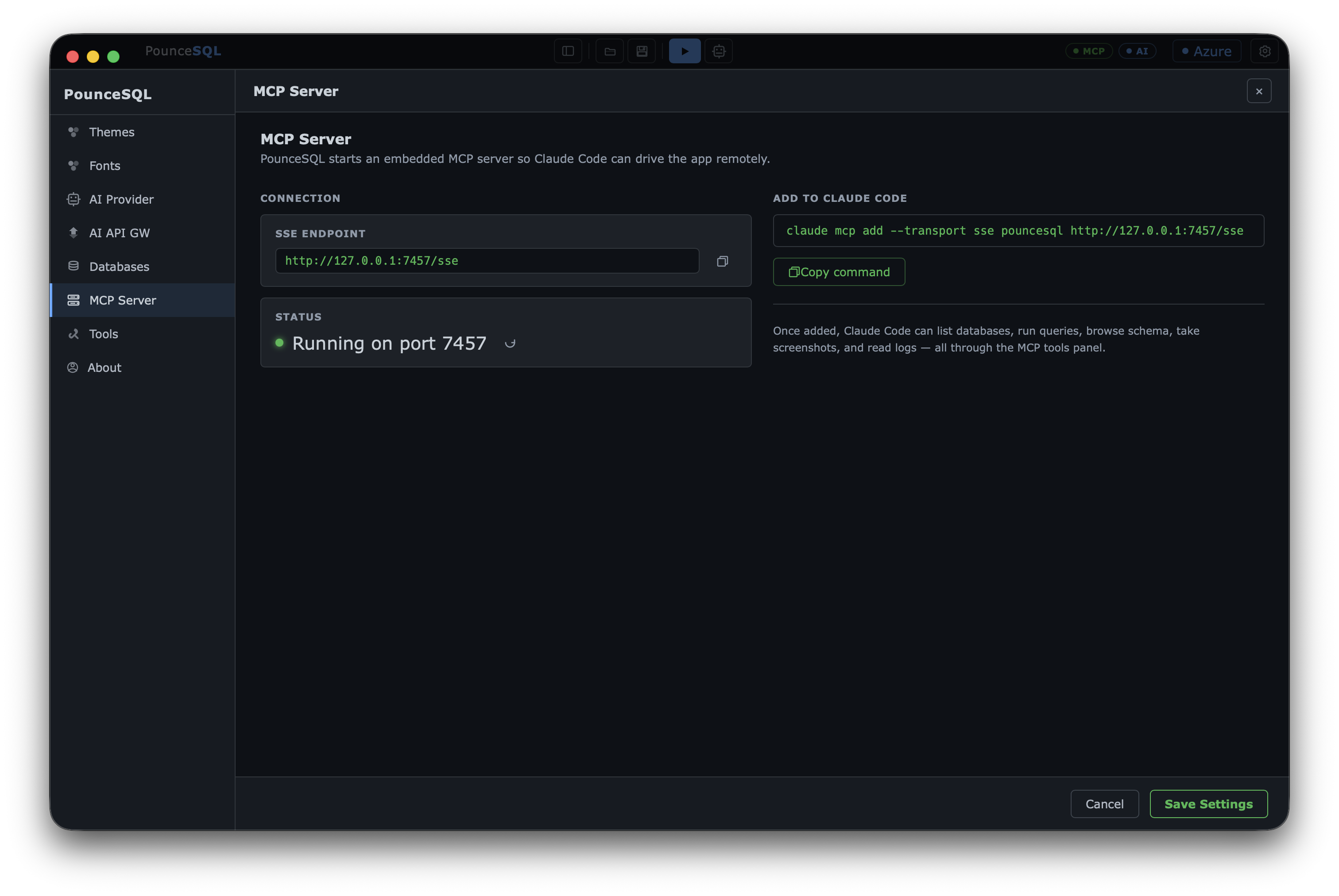
PounceSQL runs a local Model Context Protocol server, so Claude Code and other agents can drive it — list databases, run queries, read results — and you watch it happen live in the app.

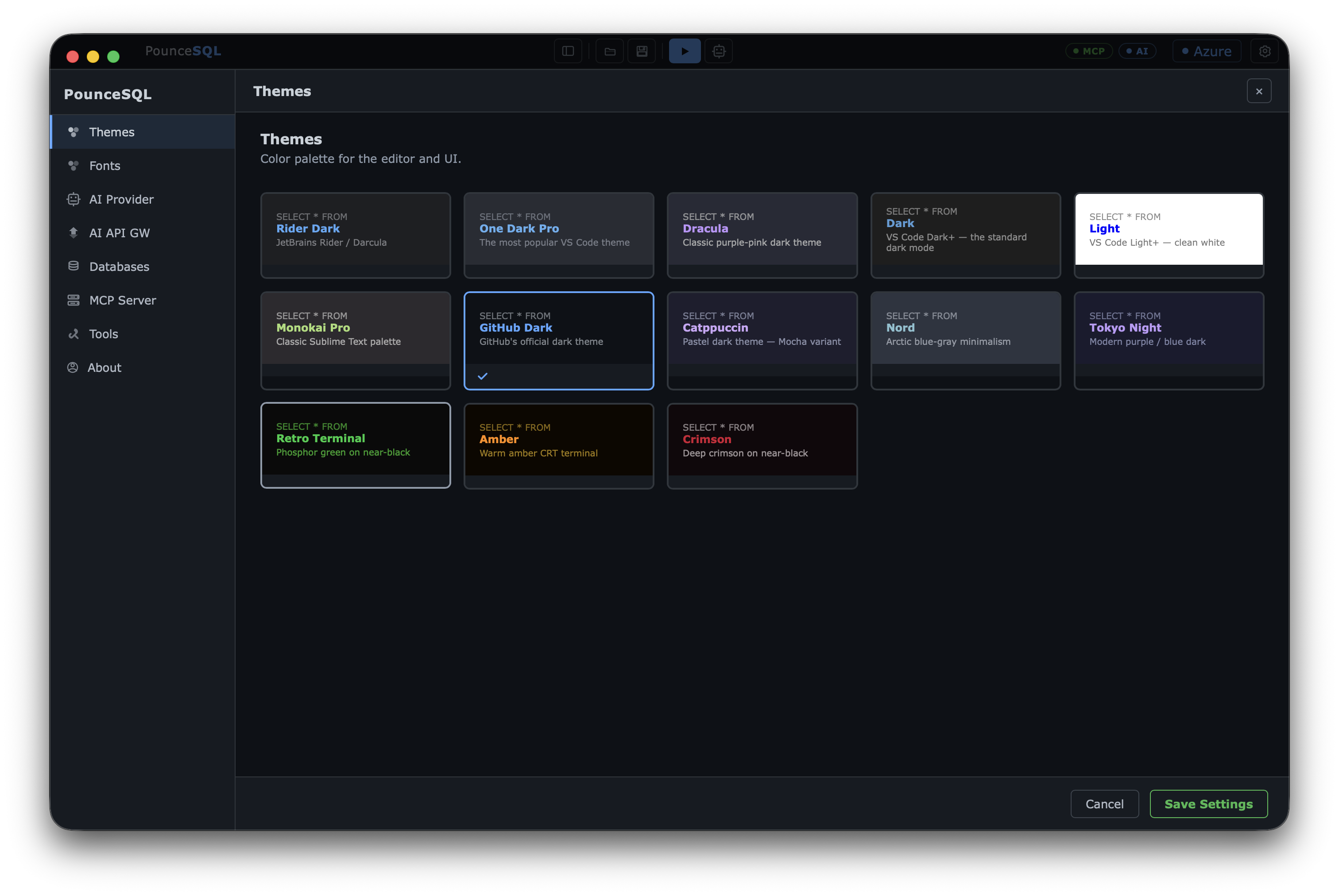
A dozen editor themes, separate fonts for the interface and the editor, and independent size control for the editor, tree, results grid, and UI. Tune it until it feels right.


Free, native, and notarized for macOS 13+ (Apple Silicon).
brew install --cask senzalldev/tap/pouncesql
Recommended — auto-updates with brew upgrade.
Requires the Azure CLI for Azure SQL (brew install azure-cli, then az login).
Private by default — credentials are stored encrypted on your Mac (AES-256, key in the macOS Keychain), never displayed in the UI, and never sent anywhere. The AI assistant and MCP tools are read-only unless you opt in.
⚠ Under active development and provided “as is”, without warranty of any kind. Please test against a non-production database before using it against anything you care about. The AI assistant and MCP tools are read-only by default.